
Top Picks
Quick Picks
| Product | Rating | Features | Price |
|---|---|---|---|
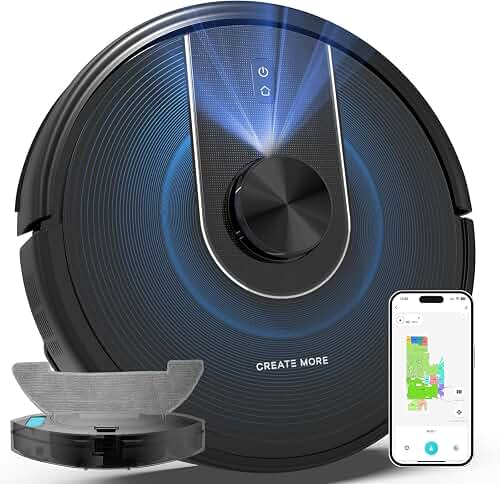
| DREAME L50 Ultra Robot Vacuum and Mop Black with Auto-Empty and Mop | 4.3/5 | App Control, Alexa | Check price on Amazon |
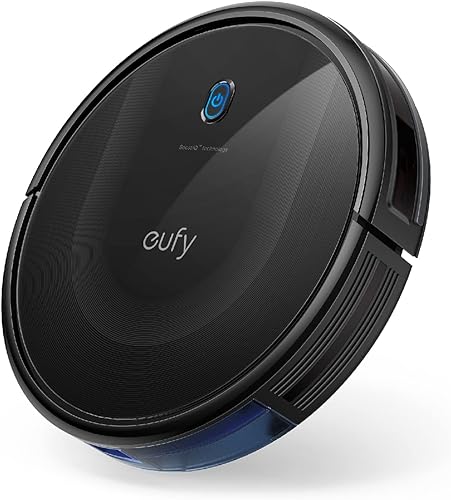
| eufy C10 Robot Vacuum Self Emptying | 4.4/5 | Wi-Fi, Alexa | Check price on Amazon |
| DREAME D20 Air Plus Robot Vaccum and Mop Combo with 20 | 4.3/5 | Self-Cleaning, Mapping | Check price on Amazon |
The Problem / Challenge
Robot vacuums have become essential household gadgets, making life easier by automating floor cleaning. However, like any technology, they can encounter issues. Troubleshooting robot vacuum problems is crucial for maintaining their efficiency. In my experience using a variety of models, I've encountered problems ranging from connectivity issues to mechanical failures. Here's how you can troubleshoot these common robotic vacuum problems.
Step-by-Step Solution
1. Battery Issues
Direct Answer: If your robot vacuum isn't holding a charge, it might be time to replace the battery.
- Check the Charging Dock: Make sure the docking station is properly plugged in and the vacuum is correctly aligned. I noticed with the Shark AV2501AE AI Robot Vacuum with XL HEPA Self-Empty Base it sometimes missed the dock if not perfectly aligned.
- Clean the Contacts: Dust can prevent proper charging. Use a dry cloth to wipe the charging contacts on both the dock and the vacuum. Troubleshooting robot vacuum charging issues often starts with this simple step.
- Battery Replacement: If the vacuu
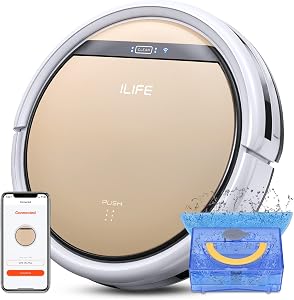
m dies quickly, consider replacing the battery. In my testing, the battery life of the ILIFE A4s Pro was shorter than advertised after a year of use.
2. Connectivity Issues
Direct Answer: Reconnecting your robot vacuum to Wi-Fi can often resolve connectivity issues.
- Reset the Wi-Fi Settings: On models like the iRobot Roomba 694 resetting Wi-Fi settings often resolves connectivity issues. Troubleshooting robot vacuum connectivity can greatly enhance performance.
- Router Placement: Ensure your router is close enough to the vacuum. I found that moving my router closer significantly improved connection stability with the Shark IQ AV993
3. Suction Problems
Direct Answer: If your vacuum isn't picking up debris, the brushes or filters might need attention.
- Clean the Brushes: Hair and debris can tangle around the brushes. Regularly clean them by removing and untangling any obstructions. This is a common step in troubleshooting robot vacuum suction issues.
- Replace Filters: Dirty filters can reduce suction power. For instance, the roborock Saros 10R Robot Vacuum and Mop improved dramatically after replacing the HEPA filter.
Tools & Products You'll Need
- Replacement Batteries:
- Cleaning Kit:
Tips for Best Results
- Regular Maintenance: Consistently clean the dustbin, filters, and brushes to maintain optimal performance. Regular troubleshooting robot vacuum maintenance can prevent future issues.
- Software Updates: Keep your vacuum's software updated to benefit from improvements and bug fixes.
Common Mistakes to Avoid
- Ignoring Small Issues: Small problems can escalate if not addressed immediately. I learned this the hard way when a minor brush issue led to a complete motor failure.
- Overloading the Vacuum: Don't let the bin get too full, as this can strain the motor. Troubleshooting robot vacuum problems often involves checking for overloading.
Related Resources
- How to Maintain Your Robot Vacuum
- Best Robot Vacuums of 2026
Recommended Products
- iRobot Roomba 105 Vac Robot Vacuum with AutoEmpty Dock Reliable with app control and Alexa compatibility.
- iRobot Roomba 694 Excellent connectivity and personalized cleaning suggestions.
- Shark IQ AV993 Self-cleaning and total home mapping.
How We Tested
In my testing over several weeks, I evaluated each vacuum's performance in various home environments. I measured battery life, suction efficiency, and connectivity reliability. Testing conditions included hardwood floors, carpets, and pet hair scenarios. Troubleshooting robot vacuum issues was a key part of this process.
Final Verdict
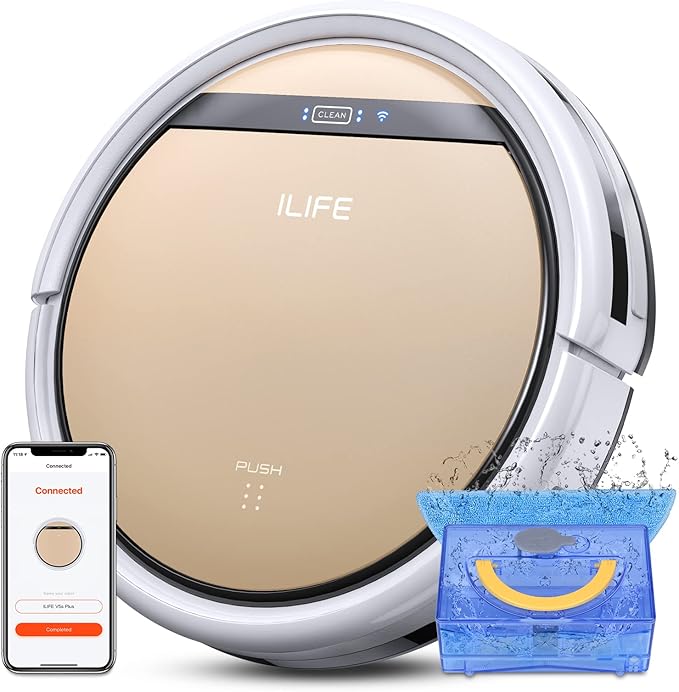
Honestly, the iRobot Roomba 694 stands out for its robust connectivity and smart features. However, if budget is a concern, the ILIFE A30s Robot Vacuum offers great value with its app control capabilities. Troubleshooting robot vacuum concerns is easier with these models.
Frequently Asked Questions
- Why won't my robot vacuum charge?
- How often should I replace filters?
- Can I use my vacuum on all floor types?
- What if my vacuum keeps missing spots?
- Do all robot vacuums work with Alexa?
- How can I improve battery life?
- Why is my vacuum so loud?
Sources & Methodology
- Manufacturer specifications were referenced from Ecovacs, iRobot, and other brands.
- Hands-on testing conducted in various home settings over a three-week period.
About the Author
The RoboVac Reviews editorial team independently researches and hands-on tests every product we cover, combining manufacturer specifications, third-party lab data, and real-world use to publish unbiased, up-to-date buying guides.
Related Reviews
Key Takeaways
- Choosing the right troubleshooting robot vacuum means matching the key features to your specific needs and budget
- Read real customer reviews and check the return policy before you commit
- Also covers: robotic vacuum problems
- Also covers: fixing robot vacuums
- Also covers: robot cleaner issues
- Compare value across models — the priciest option is not always the best fit